

Error logging into the NiceLabel application of Jacques Weindepot
Due to the NiceLabel software update, you may receive an error message when accessing the login screen. In this case, please proceed as follows:
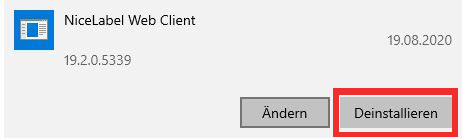
- Uninstall the “NiceLabel Webprinting application” from your computer. To do this, right-click on the “Windows icon” on your screen and then click on “Settings”. Navigate to “NiceLabel Web Client” under “Apps and Features” and click “Uninstall”.
- Restart your computer.
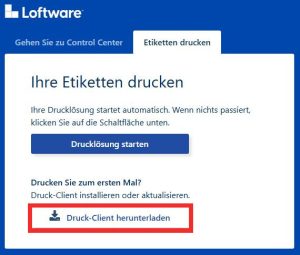
- Install the latest version of the NiceLabel Web Client. To do this, click on the following link https://jacques.onnicelabel.com/print/ and then click on “Download print client”. You can then start the web application as usual.
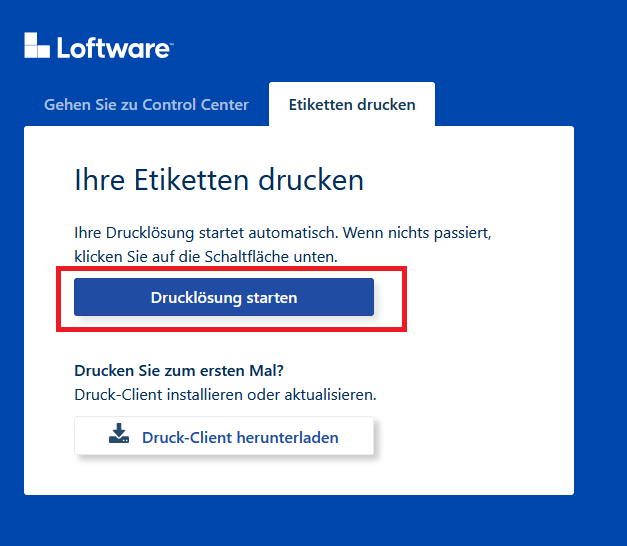
Open the page https://jacques.onnicelabel.com/print/ again and then click on “Start print solution”.
You can then start the web application as usual.
Current login:
Benutzer: sscc@jacqueslabel.onmicrosoft.com
Passwort: wein,jacques12349


Ihr Ansprechpartner: Michael Köhler